EduLink Tutor
The right tutor, a tap away.
Post what your child needs and verified university tutors apply. Choose the one you like, and lessons start — online or at home. Free for families.

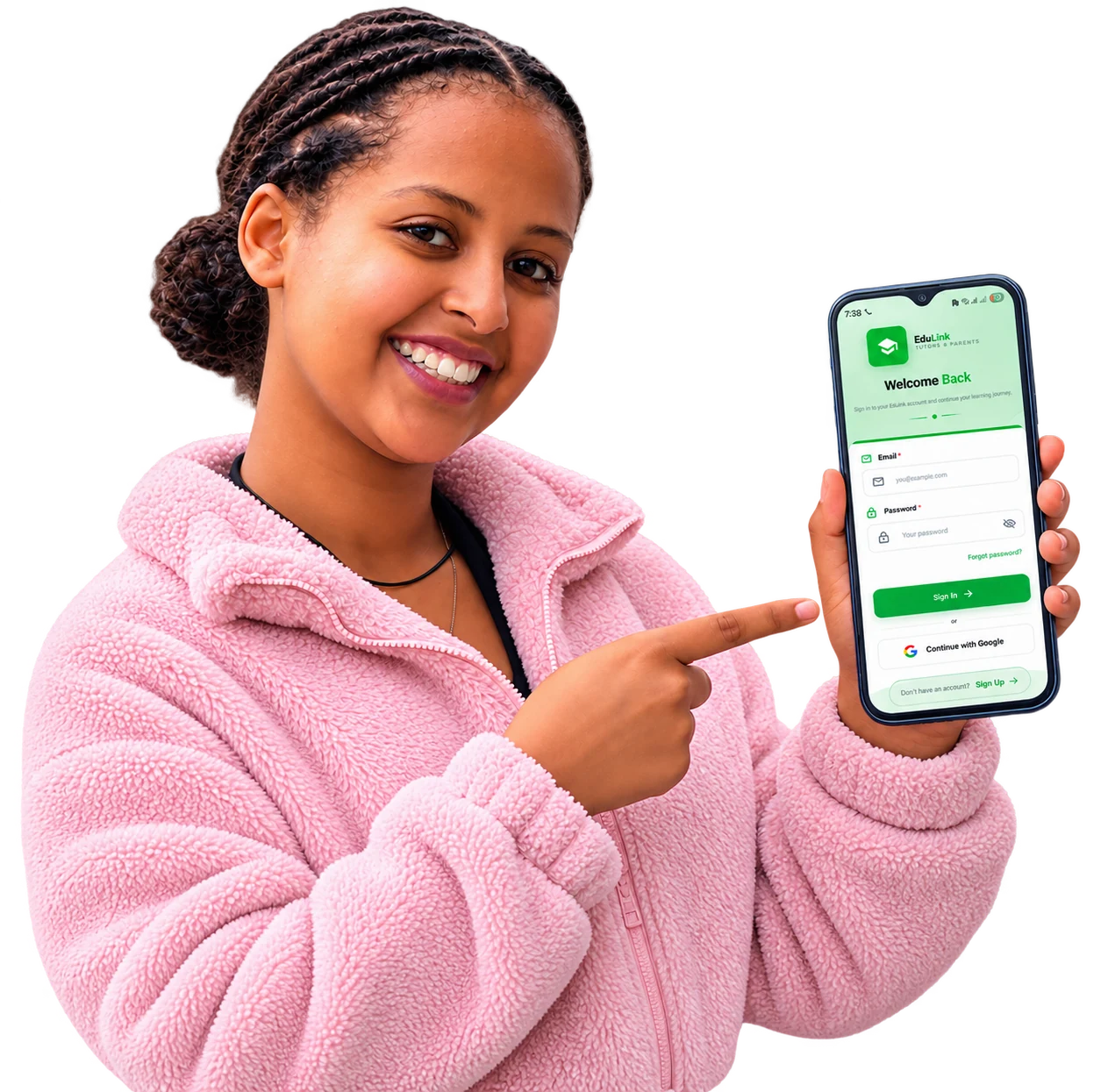
For families
From “we need help” to first lesson.
Seven simple steps, all in one app. Most of the work is ours — you just pick the tutor.
- 01
Sign up in a minute
Create a parent account with your email or Google. Parents are approved straight away — no waiting.
- Email or Google sign-in
- Email code to confirm
- Free for families
- 02
Add your children
Add each child with their grade and the subjects they need help with.
- Name and grade
- Subjects needing help
- 03
Post a job
Say what you need — grade, curriculum, online or at home, how often, and your budget. It goes live immediately.
- Grades 1–12
- Online or in-person
- Budget from ETB 340/hr
- 04
Tutors apply
Verified tutors who match see your job and apply. You’re notified with each tutor’s name, university and rate.
- Instant notifications
- Full tutor profiles
- Ratings from real families
- 05
Choose your tutor
Pick the tutor you like. The job closes and the other applicants are told it’s filled.
- One tap to hire
- Others notified automatically
- 06
Lessons on the calendar
Our team sets the lesson days and hours with you. Need a change? Either side can request a reschedule.
- Weekly schedule
- Reschedule requests
- 07
Chat and review
Once hired, you and the tutor can chat in the app. After lessons, leave a review to help other families.
- Real-time chat
- Star ratings and comments
Post a job
Tell us once. Tutors come to you.
A job post takes a couple of minutes. It goes live straight away, verified tutors are notified, and it’s shared on our Telegram channel too.
Rather choose yourself?
Browse verified tutors and invite one to your job. Filter by:
- Subject
- Hourly rate range
- Minimum rating
- Verified only
- Name or department
New job
- Grade
- Grades 1–12 — pick one or several
- Curriculum
- Local or International
- Tutor
- Male, female, or either
- Where
- Online, or in-person at your address with a map pin
- How often
- 1–5 days a week, 1 to 4 hours a lesson
- Budget
- Per hour, from ETB 340
- What you need
- Subjects and anything the tutor should know
For university students
Teach what you know. Earn on your own time.
Register
Sign up with your university and department, phone and gender.
Upload your documents
Take a photo of each document our team asks for, right in the app. We usually review within 48 hours.
Get verified
Staff check every document. Once approved, you appear in parent searches and can apply for jobs.
Set up your profile
Add each subject with its grade range and your hourly rate, your weekly availability and a short bio.
Find jobs and apply
Browse open jobs in the app — every new job is also posted to our Telegram channel with an “Apply in EduLink” button.
Get hired and teach
When a family chooses you, settle EduLink’s commission and the chat and contact details open. Then teach.
 EDULINK · VERIFIED TUTOR
Selamawit K.
AAU · Electrical Engineering
TUT-00417

Safe for your child. Fair for tutors.
- Every tutor checked by people
- Our team reviews each tutor’s documents one by one before the profile goes live — and can suspend anyone, any time.
- An ID card you can verify
- Every tutor has an EduLink ID card with a QR code. Scan it and you’ll see instantly whether the card is real and active.
- SOS with live location
- Hold the SOS button and our team gets your name, phone and live location, updated every couple of minutes until they respond.
- Reviews you can trust
- Only families who actually hired a tutor can review them — no fake stars.
- Contact details protected
- Phone numbers and email stay hidden until a tutor is hired through EduLink.
- A locked app
- Protect the app with a PIN or your fingerprint. Repeated wrong passwords lock the account for a while.
What we’re building next.
soon…
Pay with Telebirr
Pay for lessons right inside the app, with the payment method Ethiopian families already use.
soon…
EduLink in Amharic
The whole app in Amharic, so every parent can use it in the language they’re most comfortable with.
EduLink Tutors & Parents app
Tutoring in your pocket.
Post what your child needs, compare the verified tutors who apply, and chat once you’ve chosen — or sign up to teach. Free on Android.
- Verified tutors
- Every tutor’s documents are checked by our team.
- Post a job
- Grade, subject, online or at home, and your budget.
- Choose and chat
- Pick from the tutors who apply, then chat in the app.